The Visual Makeover of the Command Line
For decades, the terminal was the developer’s final sanctuary. It was a place of monospaced purity where distractions went to die and productivity thrived on rapid-fire keybindings. But as AI agents like Claude Code start taking over the heavy lifting of software engineering, that minimalist vibe is starting to feel less like a focused workspace and more like a cockpit with no gauges. You can hear the engine running, but you have no idea how fast you are actually going.
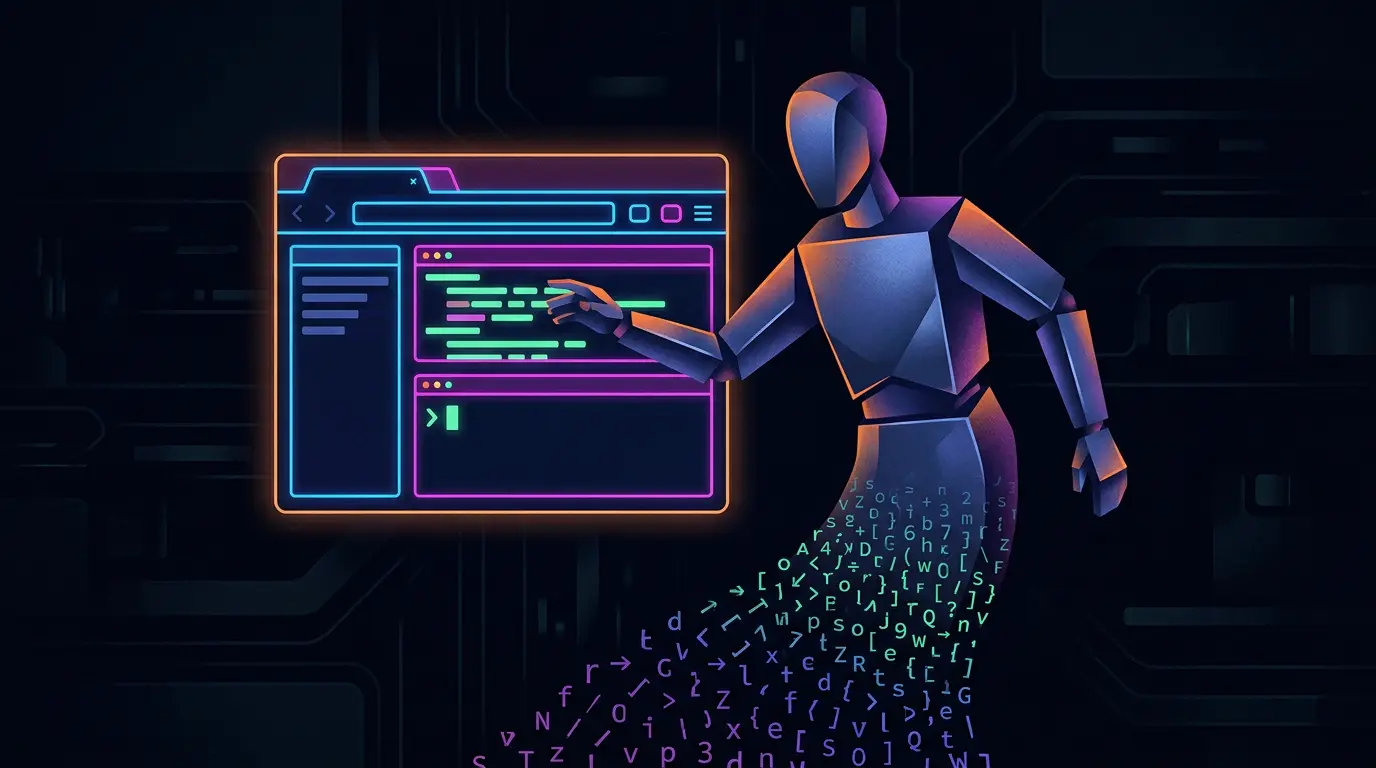
This is the specific gap Hamed Farag is trying to bridge with Claudeck. What started on March 1, 2025, as a quick experiment under the name shawkat-ai has evolved into a dedicated browser UI for Anthropic’s command line tool. It is a project born from a simple realization. While terminal-first workflows are great for speed, they are often a nightmare for the long, multi-faceted tasks that modern AI agents perform. Farag himself felt the tension, describing Claude Code as "no nonsense" and "incredibly powerful," while eventually admitting that the experience hit a usability wall.
Solving the Problem of Terminal Blindness
If you have ever run a complex agentic workflow in a standard shell, you know the feeling of terminal blindness. You find yourself scrolling through five hundred lines of logs just to find one specific tool call. Or, even worse, you are trying to figure out exactly how much a specific session just cost you in API credits. Farag identified these specific pain points as the catalyst for building Claudeck.
The primary fix is session visibility. In a standard CLI, managing multiple active sessions feels like juggling knives in the dark. Claudeck moves these sessions into a dashboard, giving developers a high-level view of what their agents are doing in real time. It effectively shifts the role of the developer from a typist to a supervisor.
Then there is the issue of the checkbook.
We are moving into an era where every command has a direct financial cost. Claude Code is efficient, but tracking token usage across a dozen sessions is a manual chore that most developers simply ignore until the bill arrives. By integrating usage cost visibility directly into the UI, Claudeck treats AI development as the resource management challenge it actually is.
The Coffee Shop Workflow: Remote Approvals
Perhaps the most interesting use case Farag highlighted is the ability to manage tool calls remotely. AI agents are getting smarter, but they still require human oversight for sensitive actions like writing to disk or executing shell commands. In a traditional setup, you are tethered to your desk. If the agent needs an approval while you are away, the whole process stalls.
Farag wanted to be able to approve tool calls from his phone while grabbing coffee.
This is a significant shift in Developer Experience (DX). It treats the AI agent as a background process that requests human intervention via a mobile-optimized interface. While the effectiveness of this remote management still needs real-world verification, the architectural intent is clear. We are moving away from the idea that coding must happen exclusively at a workstation.
The Rise of the Agent Control Plane
We are seeing a broader trend here that goes beyond just one developer’s side project. As AI agents become more autonomous, the command line is increasingly serving as a backend component rather than the primary interface. We are seeing a surge in what I call the Agent Control Plane, which is a secondary UI layer designed to tame the complexity of CLI-first tools.
This shift is necessary for enterprise adoption. It is one thing for a solo developer to manage a few terminal windows, but it is another thing entirely to ask a team to track the output, costs, and permissions of a dozen autonomous agents. Visual management tools provide the audit trail and clarity that raw text streams lack. The efficiency of CLI speed is finally being balanced by the necessity of GUI clarity.
A Reality Check on DX
Of course, we have to be realistic about where Claudeck stands today. Farag’s assertion that the tool is "incredibly powerful" is the perspective of a creator who built a solution for his own itch. For the rest of the community, the value of Claudeck will depend on how well it maintains the low-latency feel of the original tool while adding its visual layers. There is always a risk that adding a browser UI introduces enough friction to negate the speed of a CLI.
Furthermore, the promise of mobile-optimized approvals is a high bar to clear. If the latency between the terminal and the browser is too high, or if the interface is clunky on a small screen, the coffee shop workflow remains a dream. We need to see how the tool handles heavy loads and complex tool-call chains before crowning it as the definitive way to use Claude Code.
Is the Keyboard Becoming Optional?
As we look toward the future of software engineering, projects like Claudeck raise a fundamental question. Is the keyboard becoming a secondary tool? If the primary job of a developer shifts from writing syntax to approving agentic decisions on a dashboard, the very nature of our workstations will change.
We might be approaching a point where the terminal becomes the engine room of the ship. You only go down to the engine room when something breaks, but you spend your day on the bridge, looking at the radar and setting the course. If Claudeck is a sign of things to come, the future of coding might look less like a text editor and more like a command center.